
Document-Based Options
Roadmap provides powerful configuration options to customize document appearance and make the interface more business-friendly. Most options are document-specific, affect only the open document, and are stored in that document. These options work the same way when the document is opened on other devices.
We recommend that you try all of the configuration options to understand how they work and use them correctly and efficiently when needed.
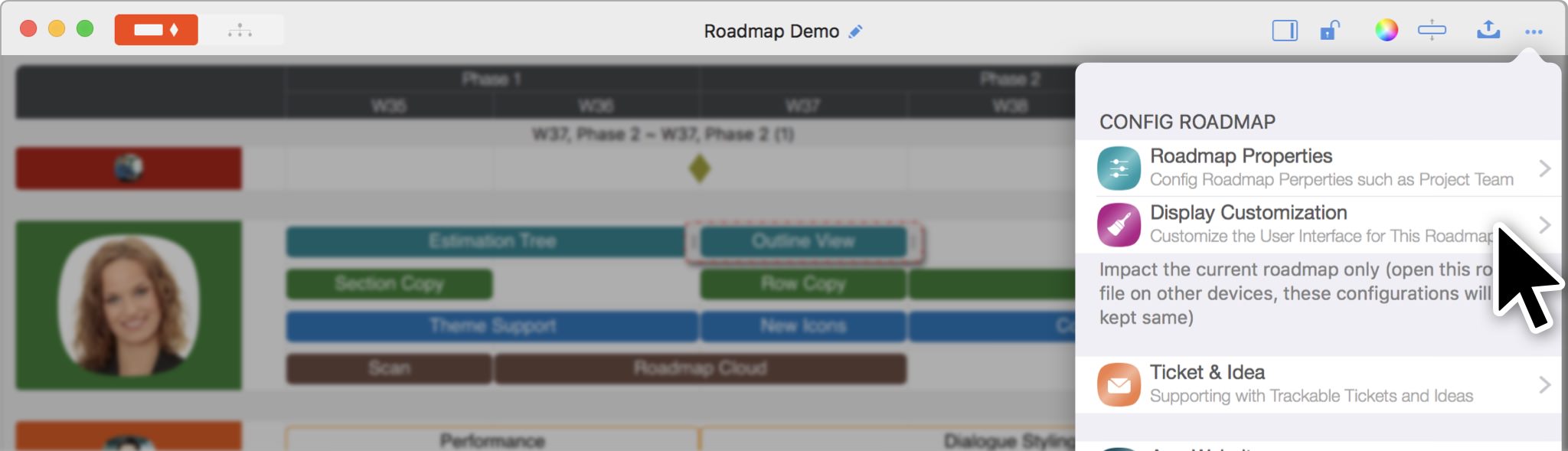
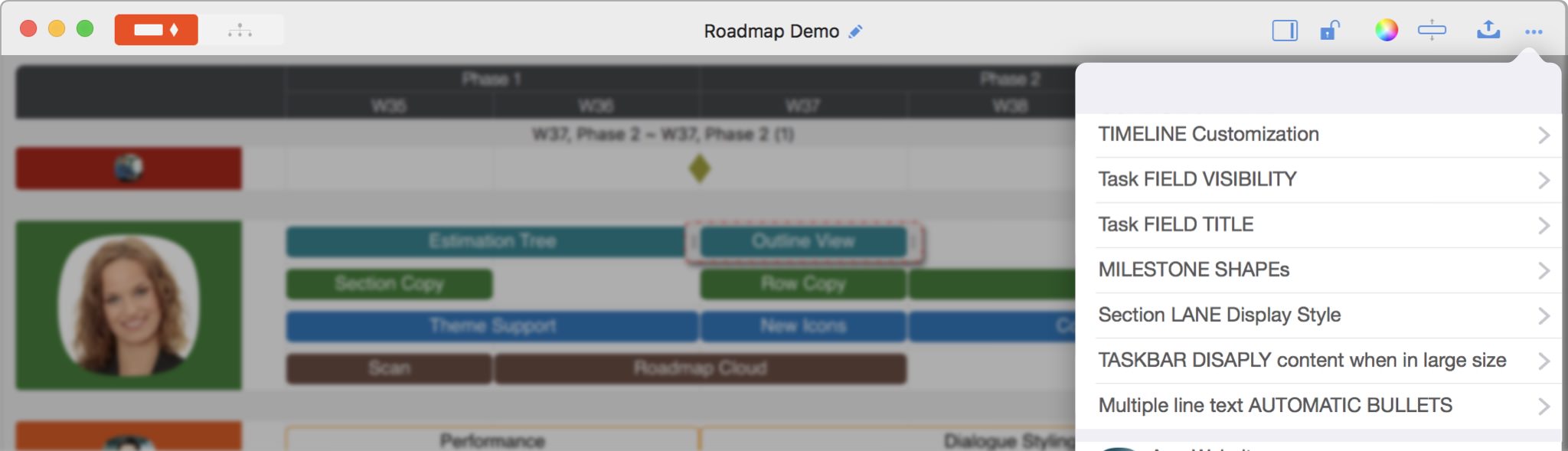
- The roadmap timeline is fully customizable.
-
Task field visibility - which fields are visible in the updating panel (based on your business needs).
Some fields have predefined meanings for roadmap plans.
- Name
- Start
- Finish
- Duration
- % Complete - the progress of the task
- Owner - the owner of the task
- Notes
- Estimated Cost - includes estimated labor cost, materials cost, and total estimated cost.
- Actual Cost - includes actual labor cost, materials cost, and total actual cost.
- Materials Cost - Input manually.
- Total Cost - Automatically calculated = Labor Cost + Materials Cost
Some other fields have no predefined purposes, so users can define how to use them for their business needs.
- 6 single-line text fields
- 3 boolean fields
- 2 multiple-line text fields
- 3 URL fields
- Icon
- Task field titles - rename task fields for your business needs (for example, changing titles from English to your preferred language).
-
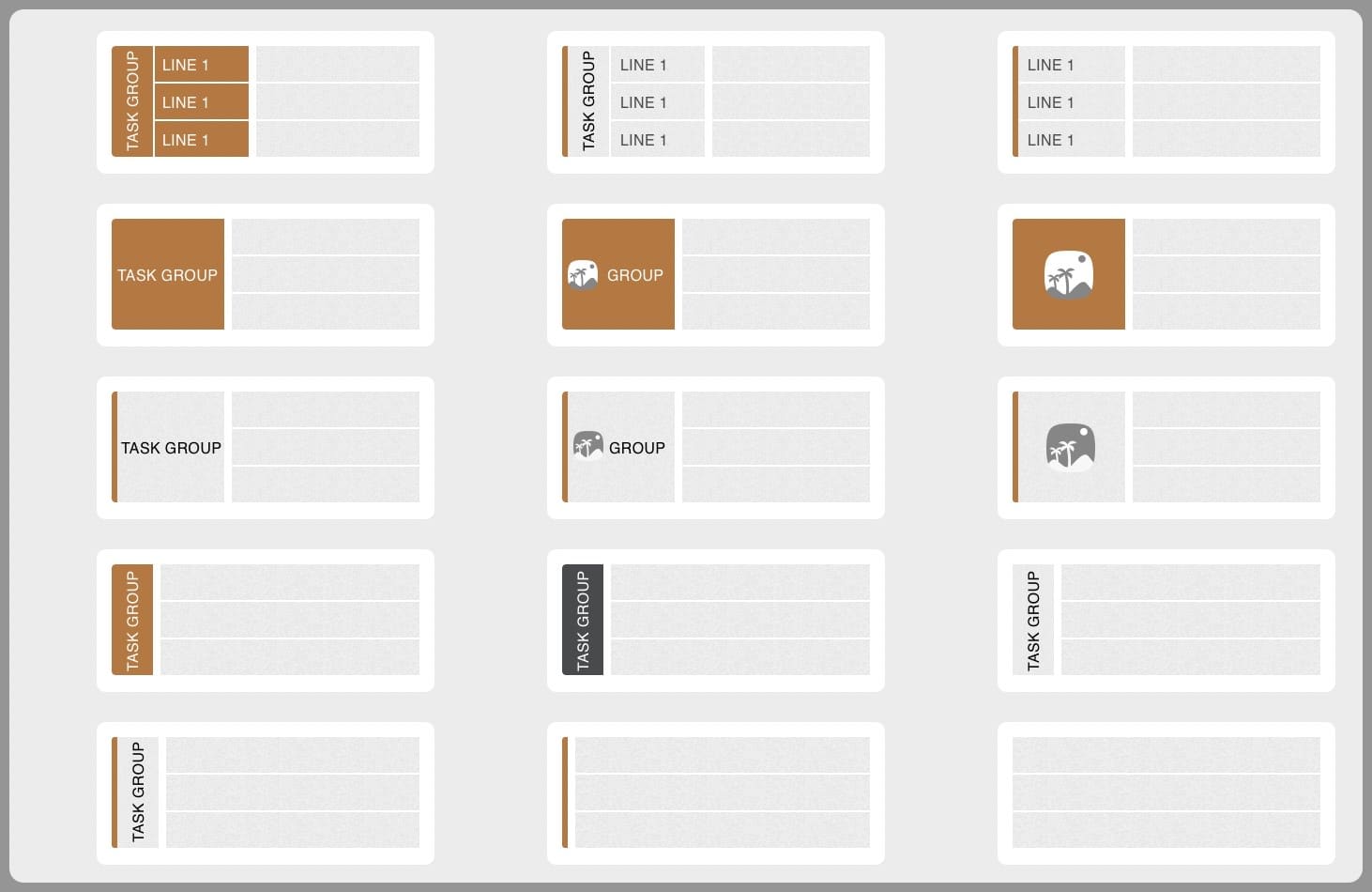
Section lane display styles - 15 lane display styles.
-
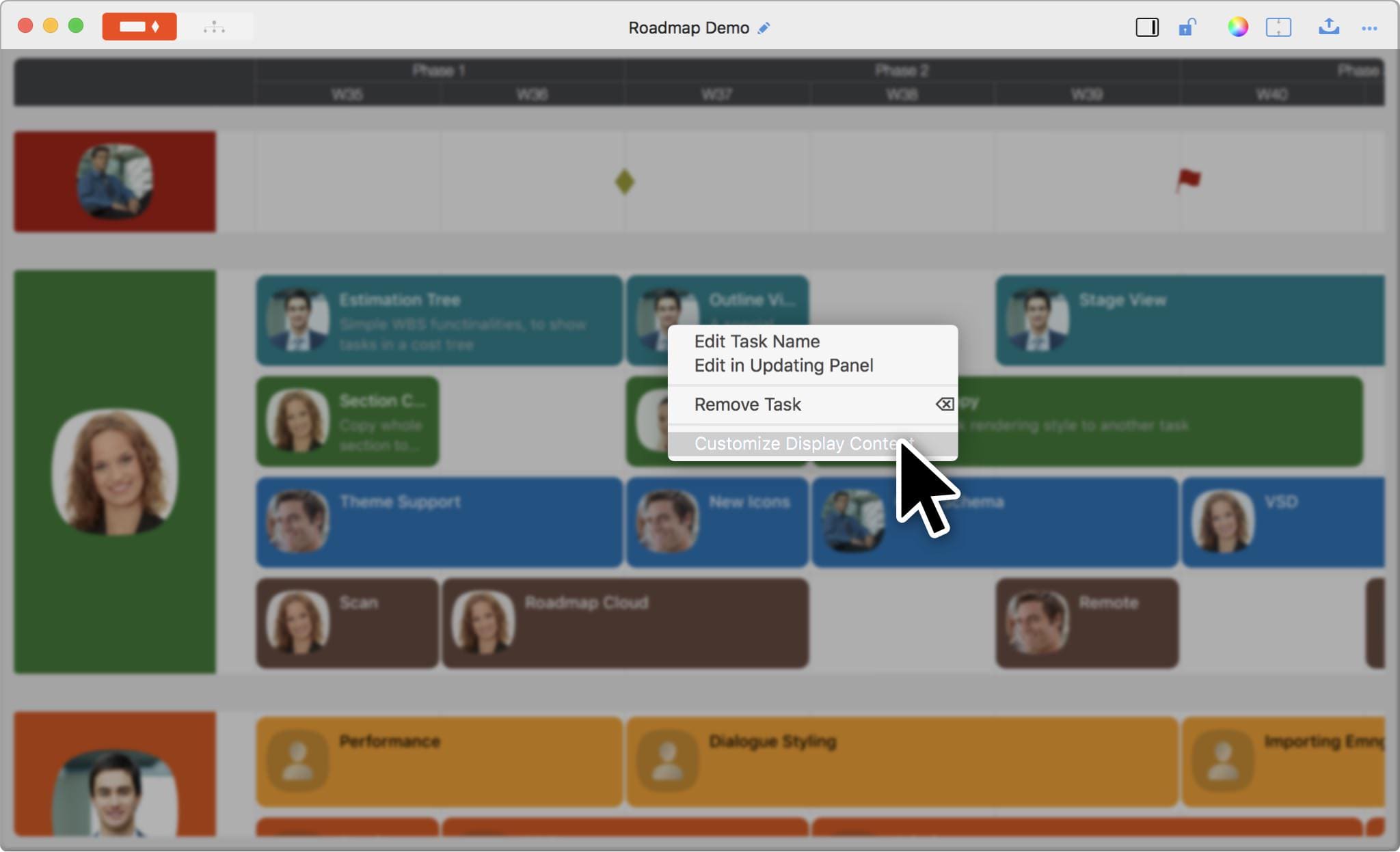
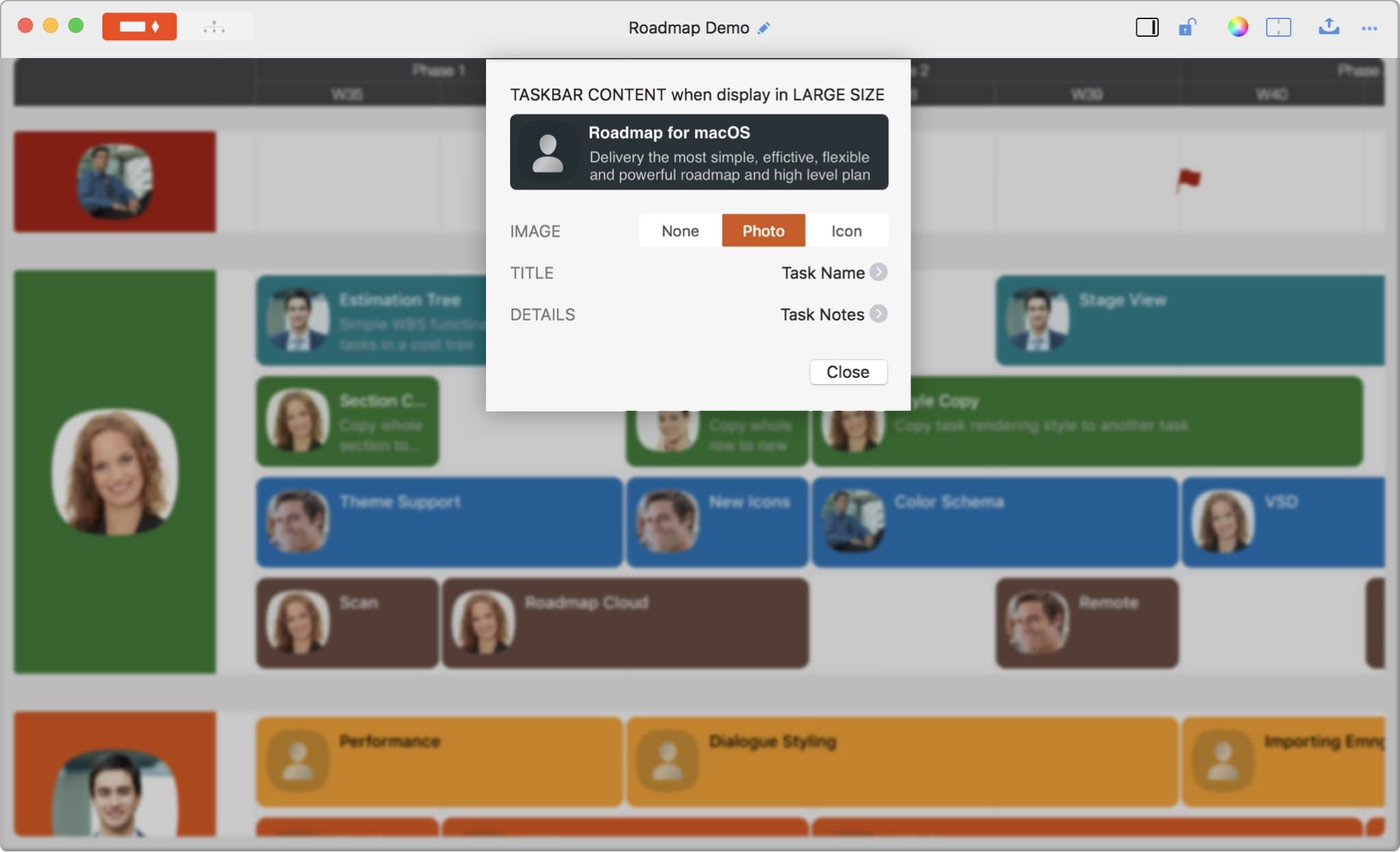
When displaying taskbars in large size, the content on the taskbars is customizable.
-
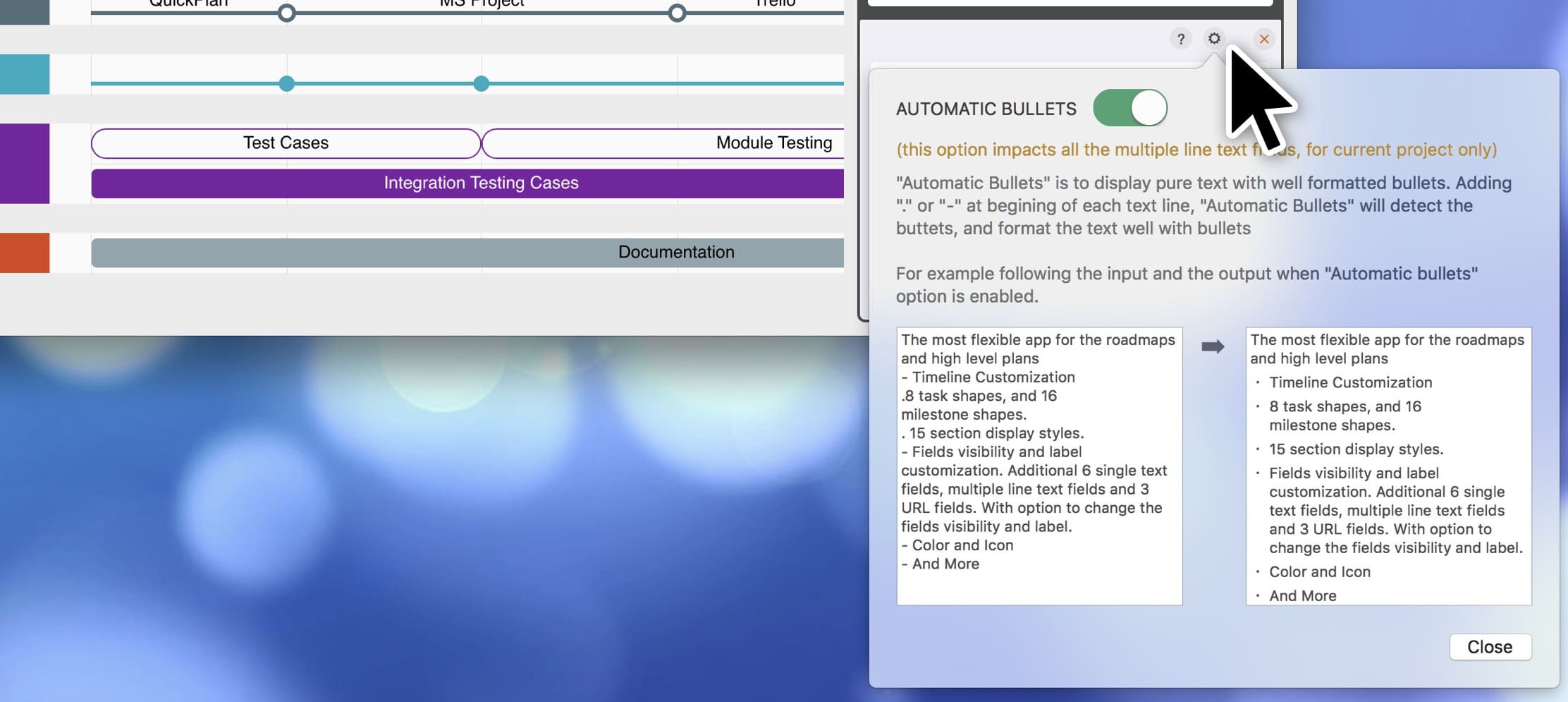
Bulleted text. Format multi-line text with bullets.
Device-Based Options
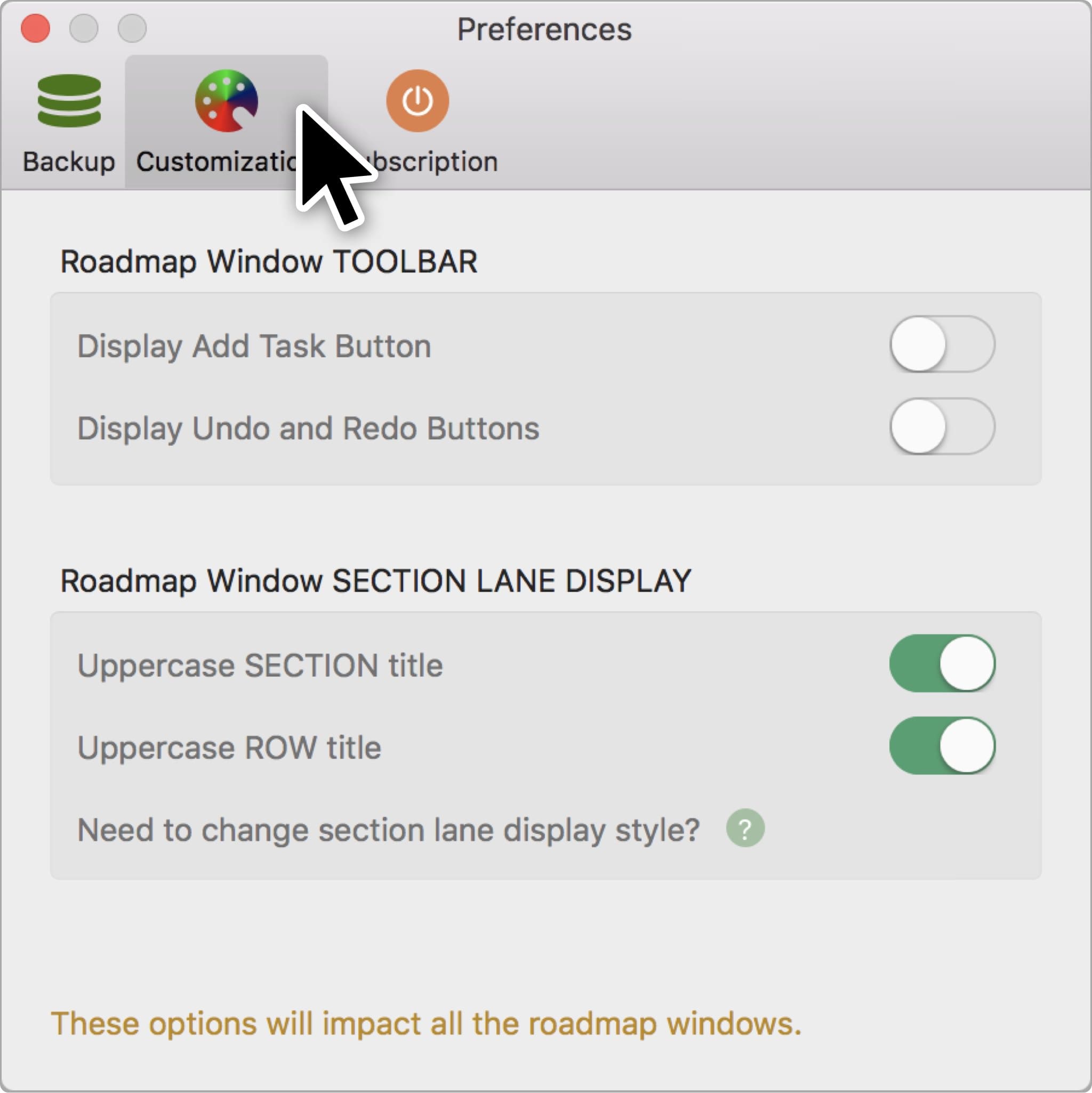
These options affect how all documents are displayed on this device (they do not affect the same document on other devices).
Documents Operations
Roadmap Properties
Timeline
Section, Row, and Task Maintenance
Keyboard Shortcuts
Customization
- UI Customization
Synchronization
Integrations
Others