
Based on security considerations, we do not store user data on our servers, and user-generated roadmap documents are stored at the user's discretion. By default, roadmap files are stored locally on the devices.
For data safety, and to reduce data-loss risks caused by device loss, device damage, system reinstallation, and other incidents, we suggest backing up important data to additional storage.
-
By default, when a roadmap document is opened, Roadmap automatically saves a copy in the app backup folder. You can turn this on or off in app preferences.
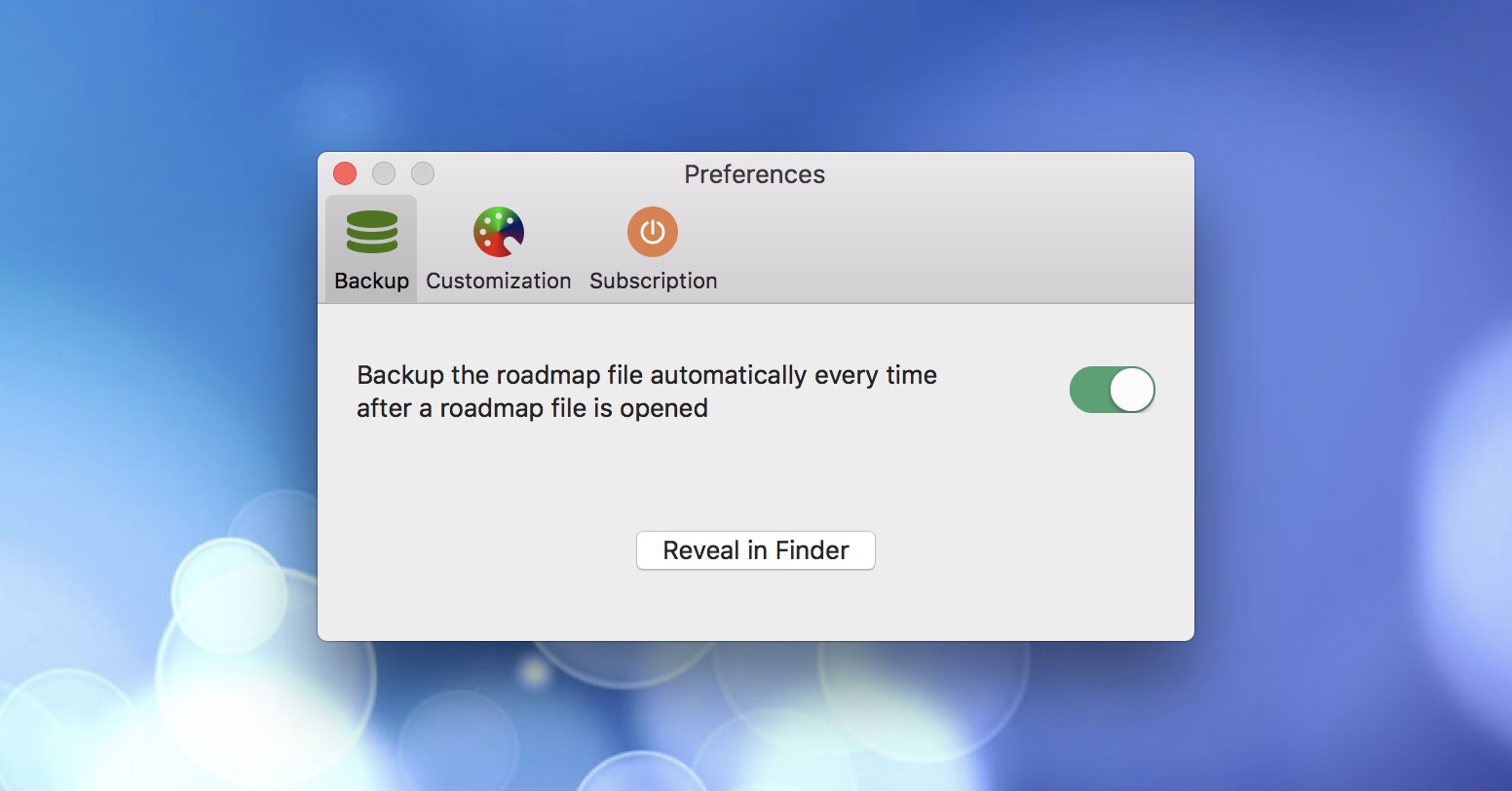
- Use a third-party backup app to automatically back up roadmap documents.
- Sync roadmap documents to third-party cloud storage as a backup.
Documents Operations
Roadmap Properties
Timeline
Section, Row, and Task Maintenance
Keyboard Shortcuts
Customization
Synchronization
Integrations
Others
- Backup