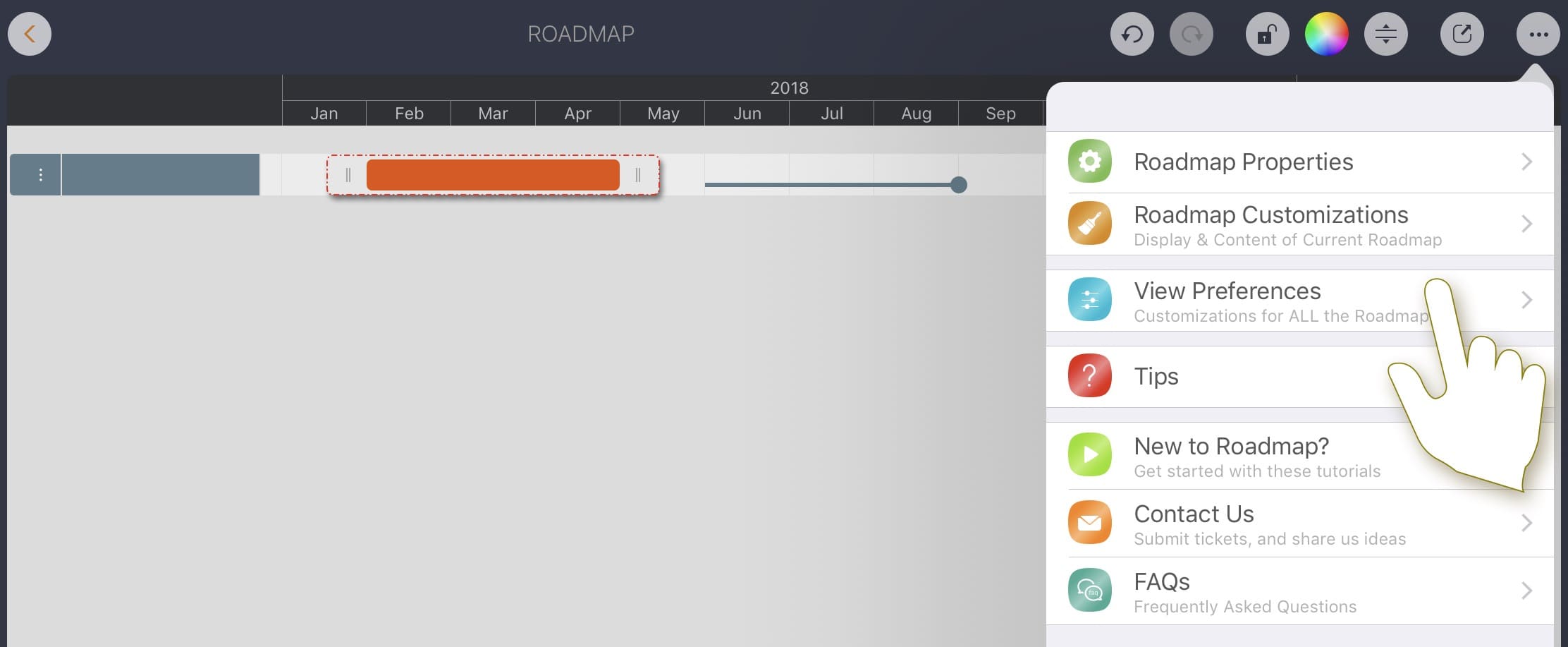
Roadmap Customizations
Roadmap Customizations
Super Flexible
There is no single standard for a roadmap, but we still recognize one when we see it. While freehand drawing can represent anything, it is not practical for efficient editing or for keeping roadmap information as structured data that can integrate with other systems.
Roadmap provides powerful configuration options to customize document appearance and make the interface more business-friendly. Most options are document-specific, affect only the open document, and are stored inside that document. The same options apply when opening the document on other devices.
The options above are document-based and affect only the open roadmap document. They are stored in the roadmap file (.rdmap) and take effect the same way on other devices when you open that file.
Document-Based Options
We recommend that you try all of the configuration options to understand how they work and use them correctly and efficiently when needed.
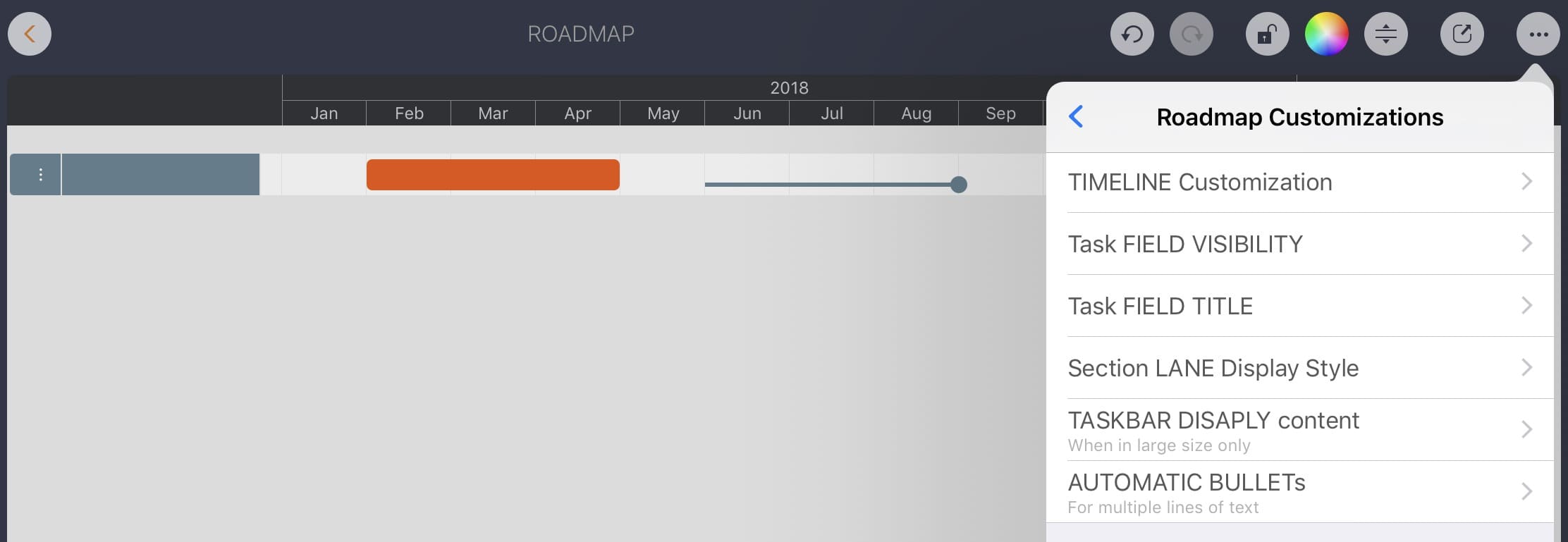
Task field visibility determines which fields appear in the updating panel (based on your business needs).
Some fields have predefined meanings for roadmap planning.
In addition, some fields have no predefined purpose, so you can define how to use them based on your business needs.

Device-Based Options
These options affect how all documents are displayed on this device (they do not affect the same document on other devices).